



Play Your Timelapse From Your Card.
Quickly. Easily. Right From The Card.
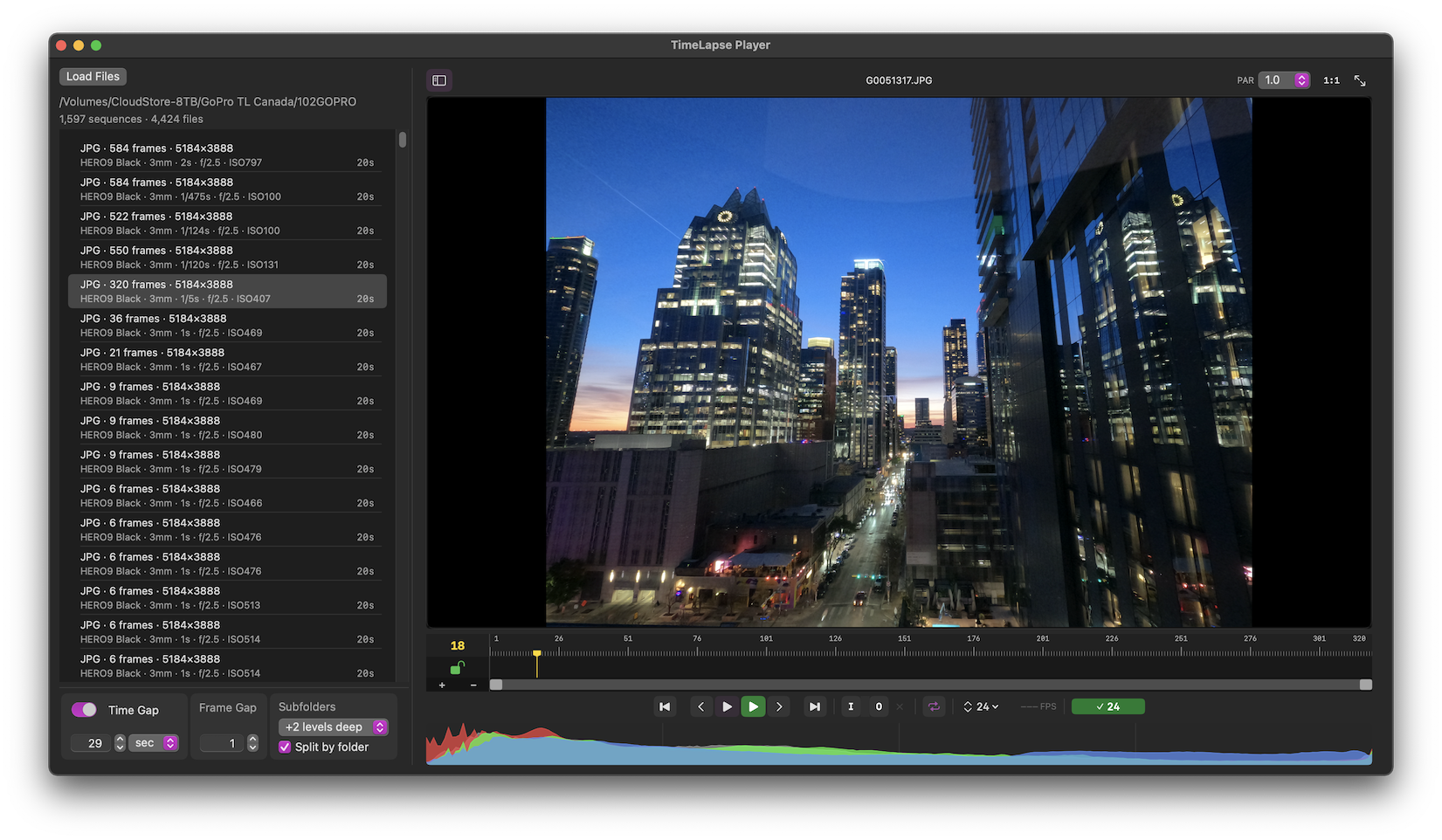
TimeLapse Player plays a folder of RAW, HEIC or JPEG stills as a movie, in realtime*, straight off the camera card. Know whether you got the shot in seconds, while still on location, before you copy a single file.
$5.99
✓ Perpetual License For Each Major Version
✓ Same Major Version Updates Included
✓ No subscriptions 😀
Instant
⚡Drop a folder in and press play ! Multiple sequences and formats are automagically separated into individual sequences correctly.
⏱️Never waste time again manually sorting files into folders for each sequence. Those days are over !
🔀Mix JPEG, HEIC and RAW in the same location
💾 Plays straight from the camera card, nothing copied
🔢Correctly sees sequences split across subfolders due to 9,999 files in a folder DCIM spec rollover in camera.
See Everything
📁 Separate multiple sequences in one folder as shot by the camera.
🎚️ Full-screen playback
🔍 1:1 pixel zoom to check focus and detail
📊 Histogram
📐 Pixel aspect ratio control for anamorphic lenses
Built For Real Shoots
🎞️ Choose the playback frame rate: 6, 12, 23.976, 24, 25, 29.97, 30 fps
🧠 Caches frames in RAM only when needed for smooth playback
📷 Camera metadata support: body, lens, ISO, shutter, aperture are displayed with sequence info
♾️No file count limit. Should be fine with 100,000 images or more in a session.
✓ Your camera’s native files directly supported.
✓ No wasted time or drive space for conversions to other formats like TIFF.
✓ No convoluted multi application workflow.
✓ No 3rd party app requirements to process images.
Canon CR2, CR3 • Nikon NEF • Fujifilm RAF uncompressed and compressed • Sony ARW • Panasonic RW2 • Olympus OM System ORF • Leica DNG • Hasselblad 3FR • Pentax PEF • DJI DNG • GoPro • and many more
JPEG • JPEG 2000 • HEIC • HIF • TIFF • DNG • PNG • OpenEXR • BMP • PSD •
and more
Full camera and format list >
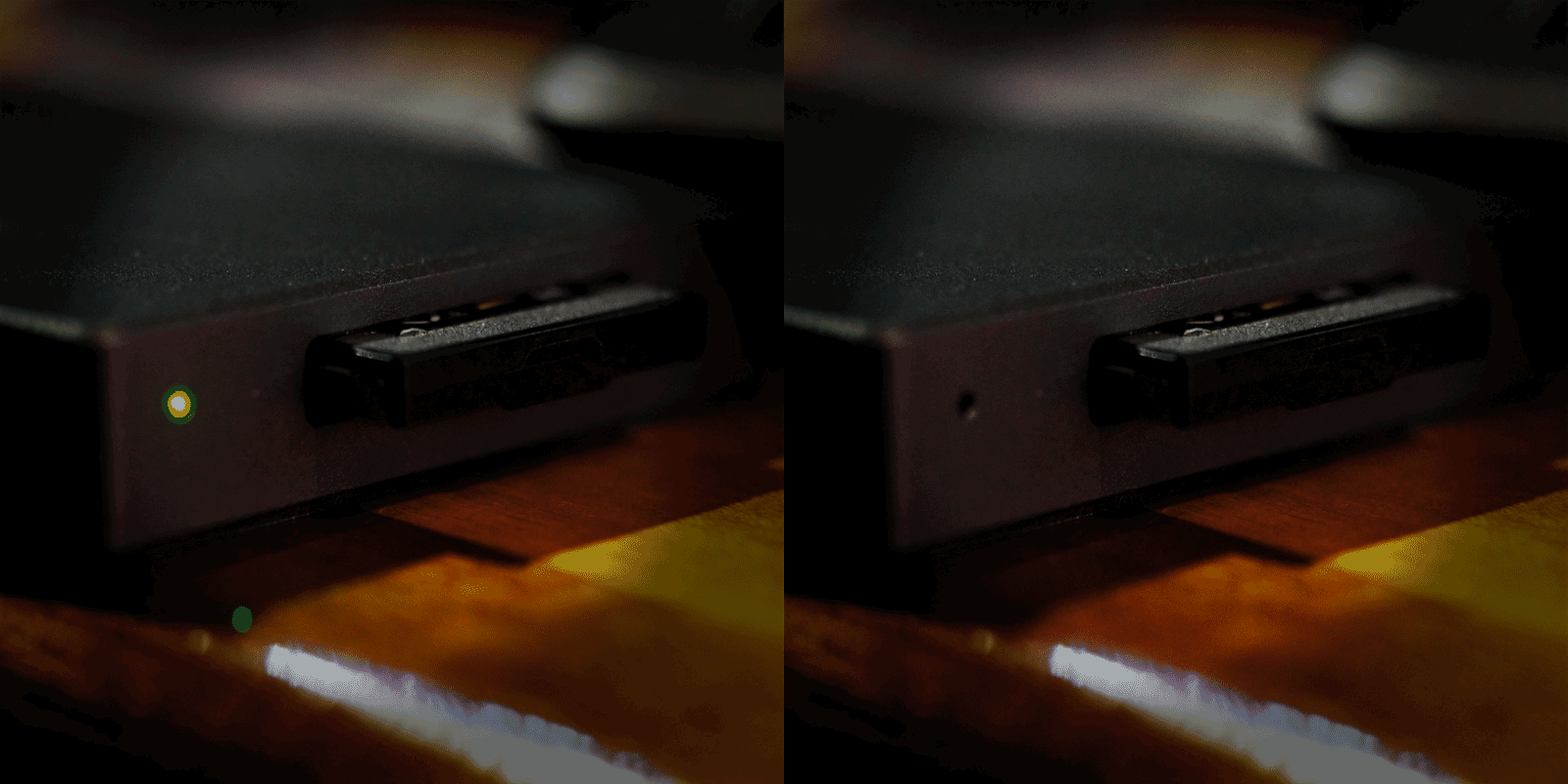
Play it from your card !
Realtime* playback including RAW. All of it shows up in the preview at standard frame rates. A cache bar in the timeline shows how much is held in RAM if caching is needed.
For long RAW sequences which don’t fit into cache, dropping playback to 12 or 6fps keeps things smooth without giving up what you’re seeing. You can play directly off a camera card for a quick first look before you’ve even copied anything. This is a giant time saver for checking your work on location by avoiding copying from the camera card.
Who is TimeLapse Player For ?
On location, check a sequence before you take the gear down.
Back at the hotel, review a day’s cards in minutes before uploading sequences that don’t work on a slow connection.
At the edit, find the takes worth processing before you spend time processing them.
Ready To Finish The Shot?
TimeLapse Player is for looking and checking your work. When you’re ready to deflicker, grade and export, TimeLapse Forge picks up where the Player leaves off: the same fast playback, plus deflicker, color correction, LUTs, motion blur, lens distortion, crop and ProRes export, all in one app.
System Recommendations: Built for Apple Silicon.
TimeLapse Player runs on Apple Silicon M1 and later. No x86 Intel support.
Metal GPU required.
OS 14 or higher is required.
Internet connection for install and activation
Three performance modes let you decide how much of the machine to utilize:
• Low: leaves lots of headroom for other apps
• Medium: default setting for most needs, balances speed vs working in other apps
• High: utilize everything the machine has, go as fast as it can
16+ GB RAM minimum highly recommended. 8 GB supported with reduced sequence capacity for caching. Quitting apps you don’t need running to free up RAM helps on 8 GB machines.
The more Performance CPU cores and GPU cores the better, TLP will use them.
Fast internal or external SSD recommended for longer sequences.
* Realtime Playback : JPG and HEIC sequences in the range of 4K to 6K ( 26MP ) will easily play back on most cards and M series Macs. 8K (45-50MP) 24fps has been tested to work on fairly minimal machines. RAW will require caching, for now. Even when this happens TLP uses all the CPU performance cores in parallel for exceptional speed. We’d love to test this on an M5 Ultra which could push into real time RAW with smaller sized images. This is very much dependent on your storage – card, SSD, spinning drives, card reader, quality cables, not having other apps greedy for machine resources also running at once. Overall this level of performance is still stunning and will only get better with newer hardware.
TimeLapse Player
One-time purchase. No subscription. Small version updates included.
$5.99
macOS 14 or newer – Apple Silicon required – internet connection for install and activation
Available On The Apple App Store
Purchase TimeLapse Player Direct From Our Store